


Hello Everyone! I hope all is well! For the past couple weeks I have been taking photographs around my grandparent’s farm to turn into polaroids through photoshop. This assignment was completed over two weeks using two different techniques.
For the first week, I had to take 5-7 photographs of anything of my choosing. Then I was told to format them into photographs that looks like original polaroids. I was challenged to complete this without any guidance, just the reference of YouTube videos.
The first thing I did was go out and photograph items that caught my eye around my yard and the farm. Once I had taken the photographs, I selected the ones that stood out the most to me and brought them into Adobe Photoshop. Once in photoshop I cropped them into the square format and adjusted each photograph individually to created the old polaroid look. I tried to experiment with different adjustments to see what changes I thought created the best polaroid look.
Once I was happy with the adjustments, I added a border around the whole photograph, creating more of a space on the bottom of the photograph.
Here are the polaroids that I created.


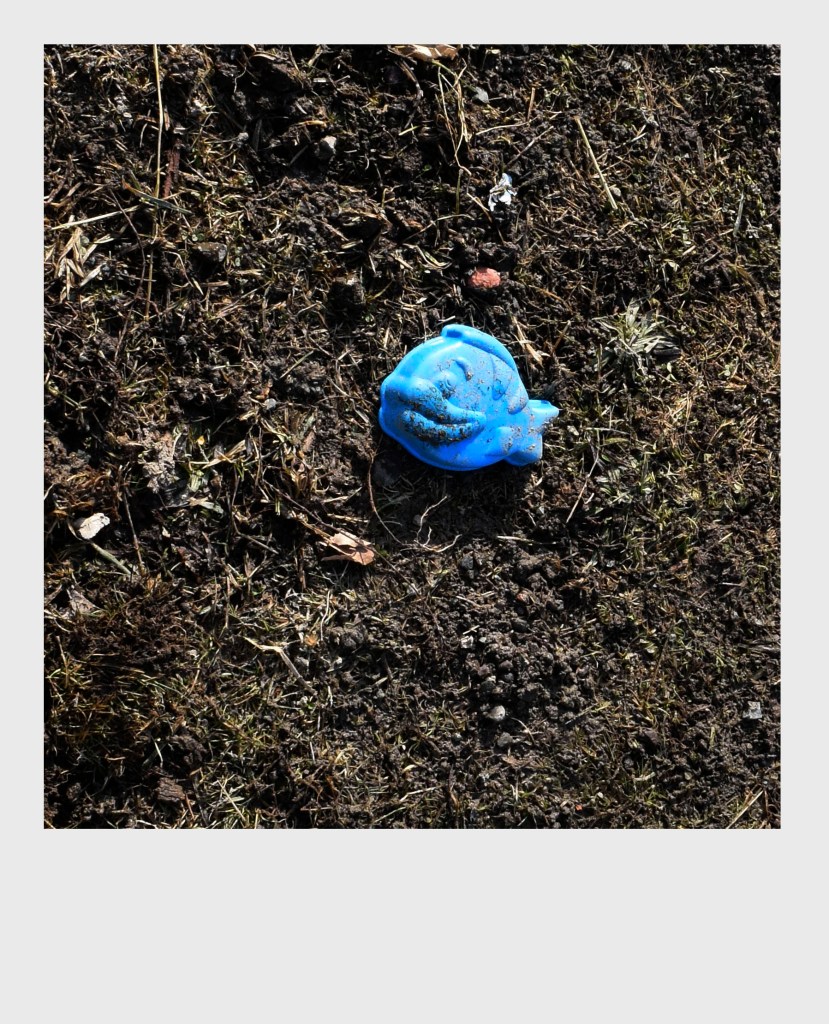
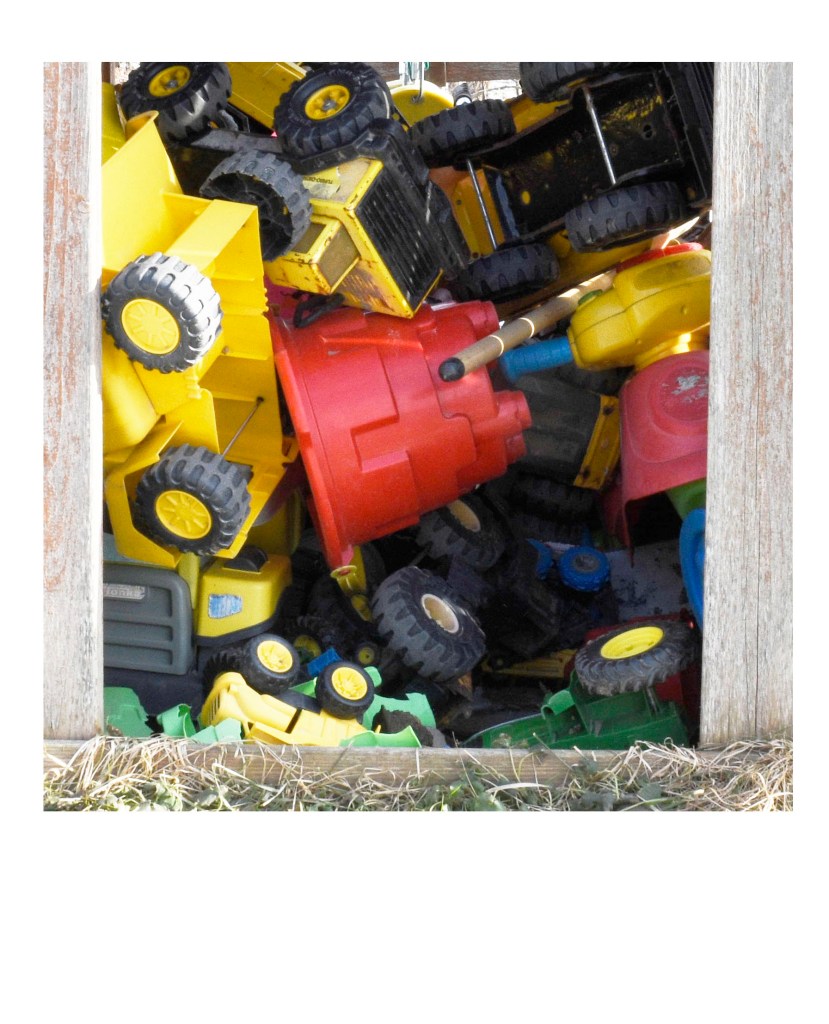


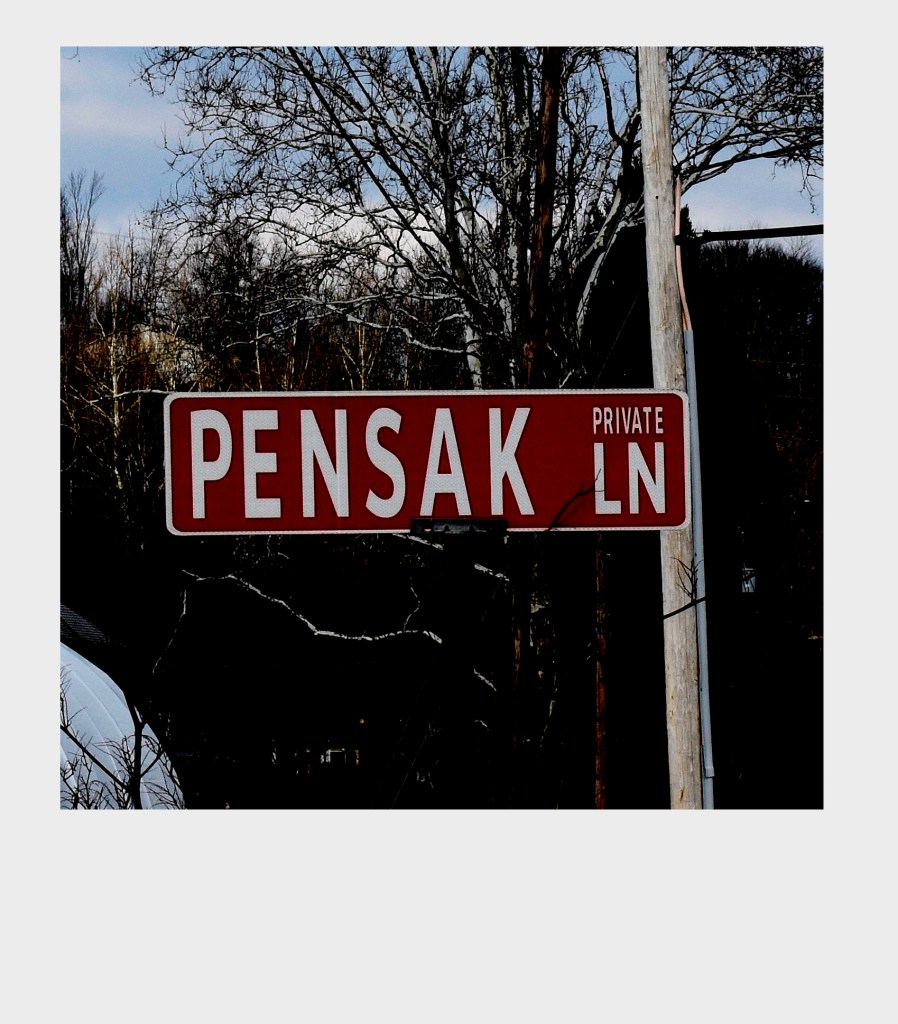


That’s all for this week! Next week I’ll share how to create polaroids by using actions in photoshop. Stay safe and healthy! I’ll talk to you all next week!