This week, I decided to play around with Photoshop. I am still fairly new to Photoshop, so getting to sit down and mess around with it was fun to do.
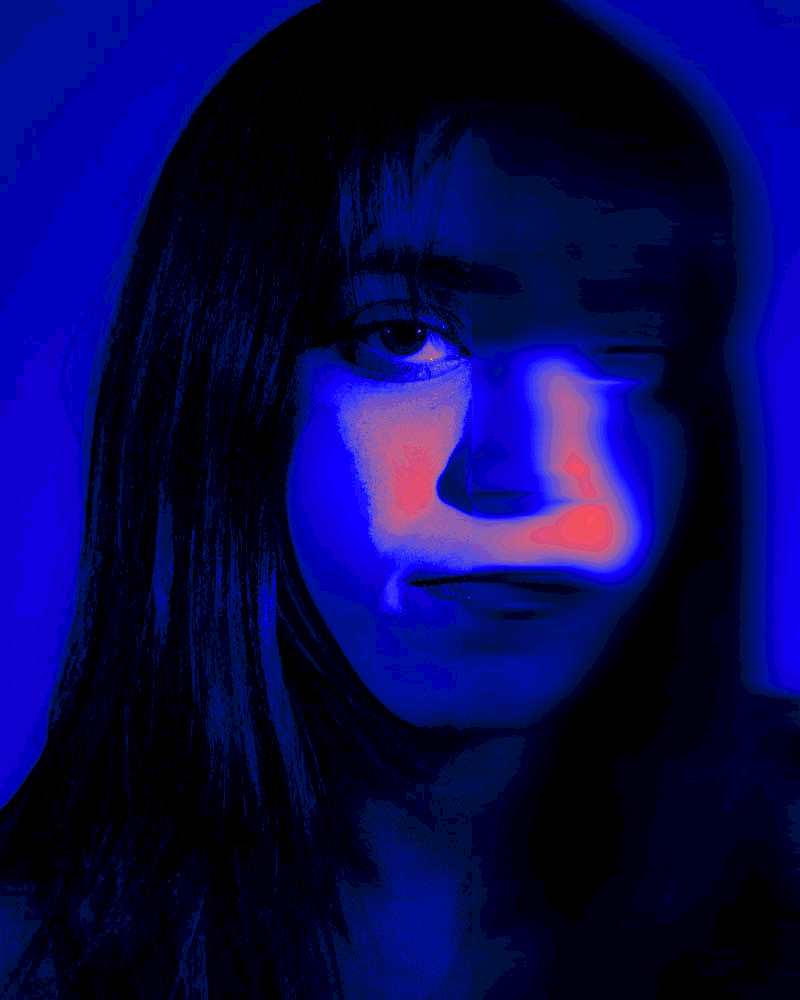

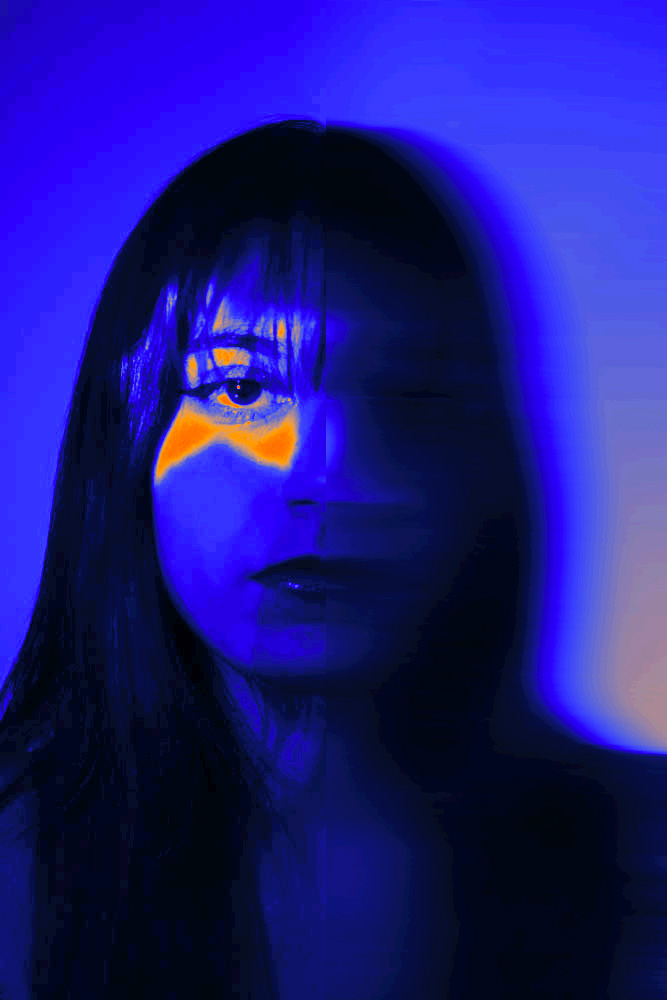

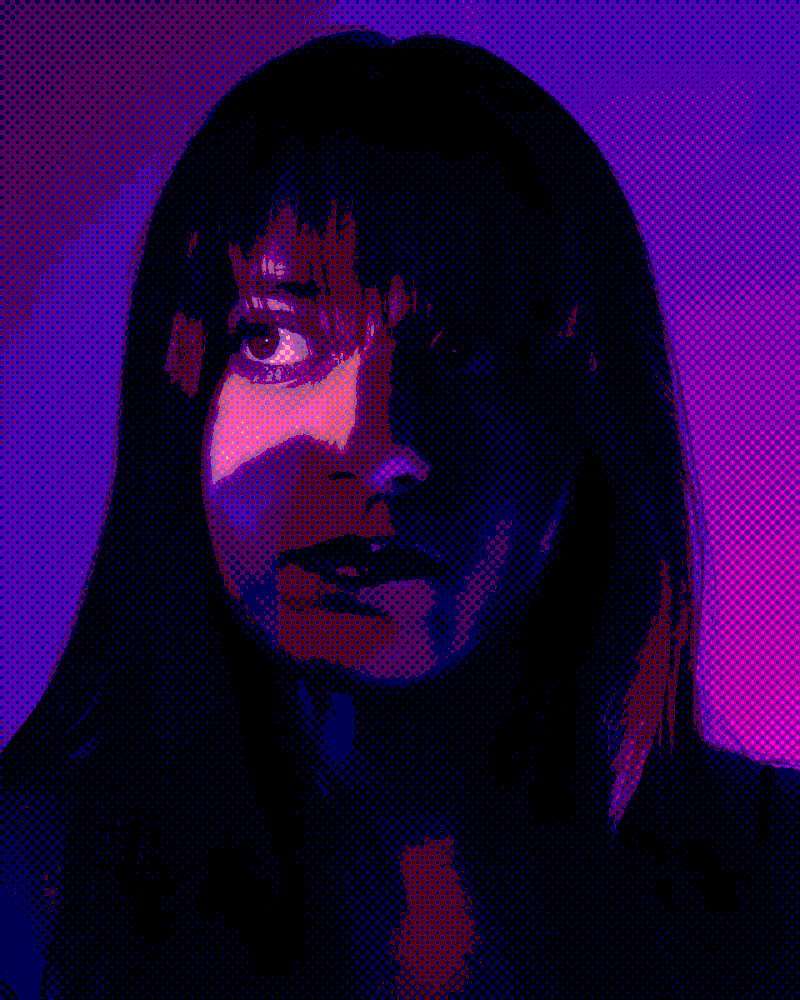
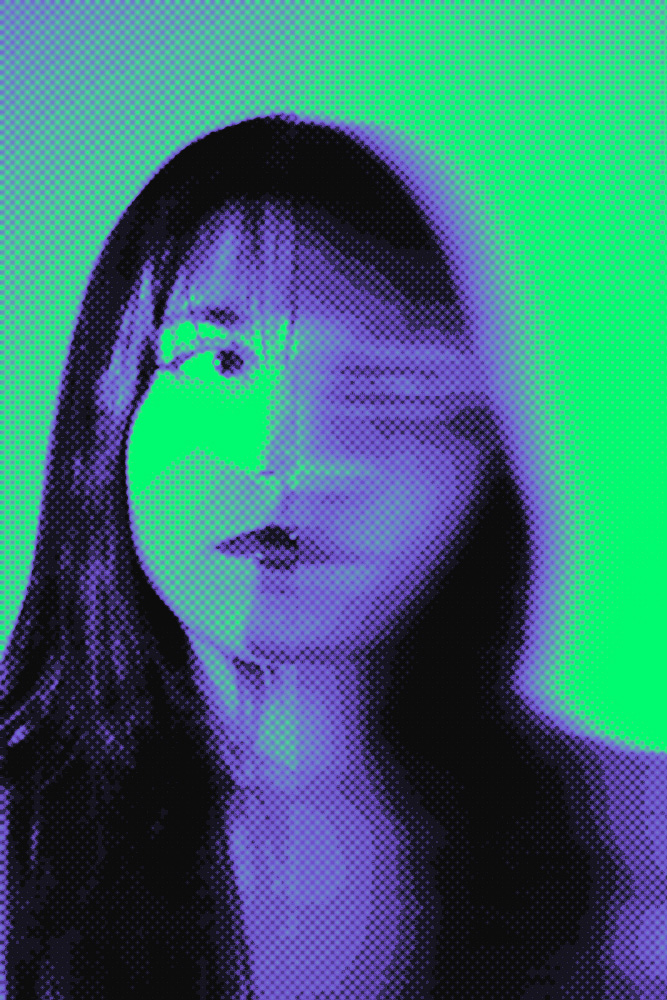
When editing these self portraits, I kept a similar theme for each. I used gradient map, motion blur, and sometimes the halftone pattern filter. I wanted to experiment with color more, so I didn’t limit myself to any one hue. I tend to be scared of using bright and vivid colors because I feel that I don’t have many opportunities to. So I took these self-portraits of myself so that I would feel more comfortable and confident to have some in Photoshop.
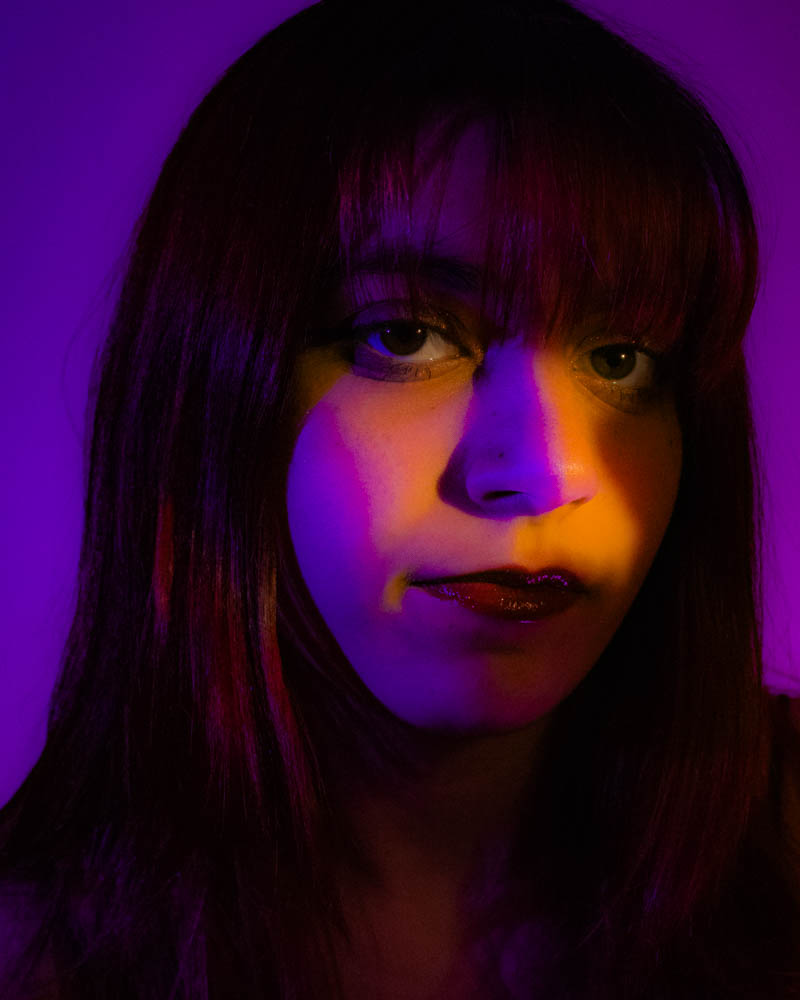
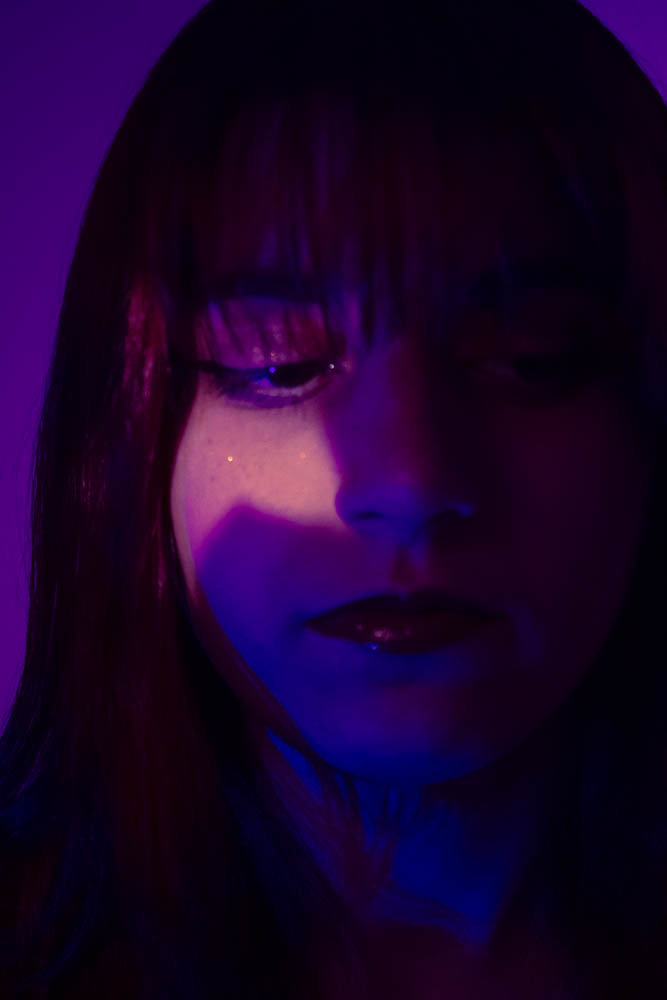

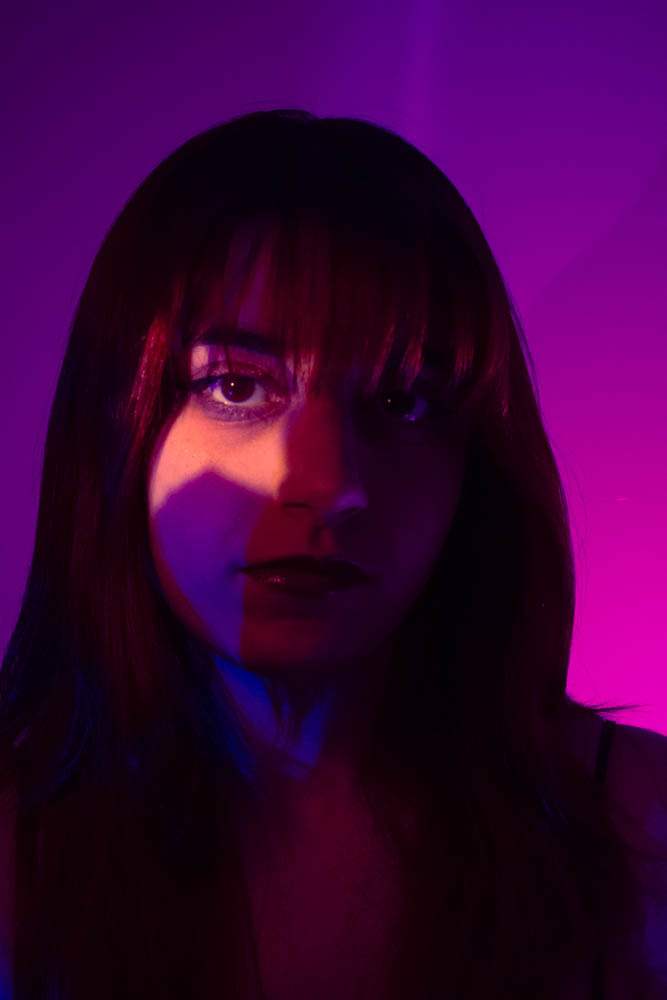

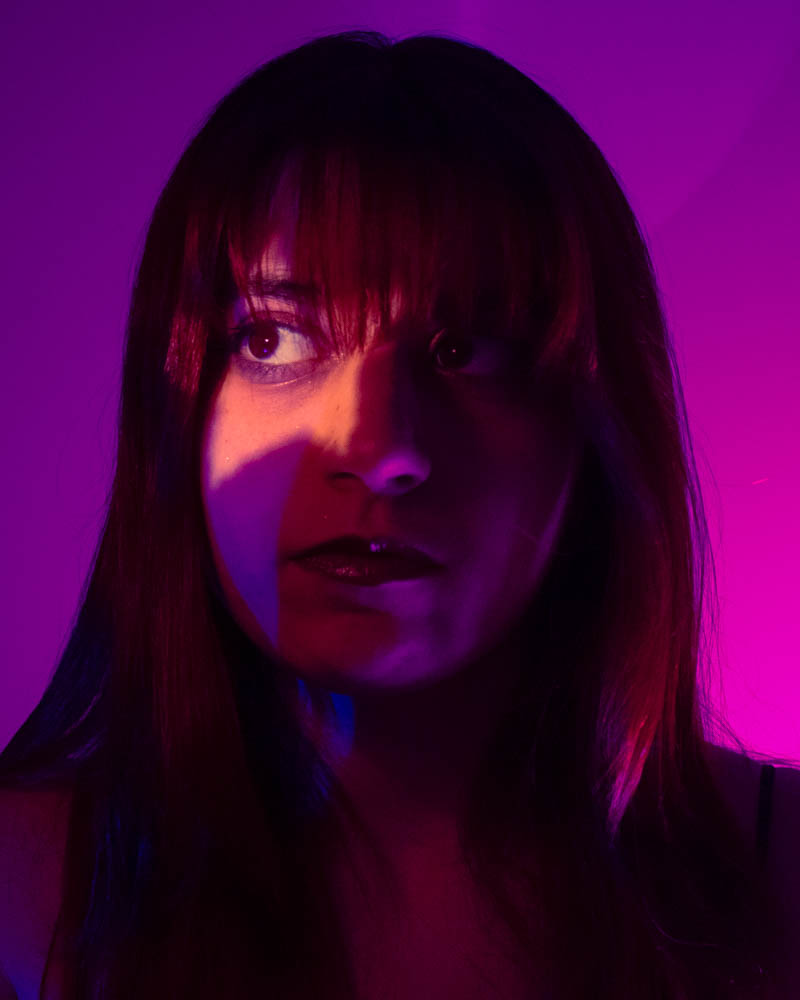
These next set of photos I edited in Lightroom Classic, and I brought the colors out more in here, too. Now that summer has started, I find it a little tough sometimes to stay consistent taking photos, so I decided to do an at-home photoshoot. It’s good practice to continue my skills and a way to keep taking more photos. Even though I enjoy taking self-portraits, it is sometimes difficult to do. The way my camera works, I use Canon’s app to connect my camera to take photos. This is a convenient feature, but sometimes it’s difficult with dark lighting. There was one point where I thought my camera was in focus, but all of the photos were not. Another tricky part was getting the star to line up with my eye. I had to look at my iPad and try to mirror, lining up the star since it’s reversed.
Overall, this was a fun experiment, and I hope to try more self-portraits and to play around more with Photoshop.
Instagram (@antoniasummaphotography)