In my previous post, I mentioned building a free portfolio website on Canva as a personal project. I almost had a meltdown as I tried to figure out how to work it all out. I was particularly frustrated by how the mobile screen would not look how I wanted it to. I partially succeeded in this after many trials and errors. It may not be perfect, but it is a big step to launch it and make it public. I have often realized that trying to make something perfect before sharing- such as achieving “your art style” or being good at your art before sharing online- only holds one back from starting. Therefore, I just went for it this time, did good enough, and uploaded it online.
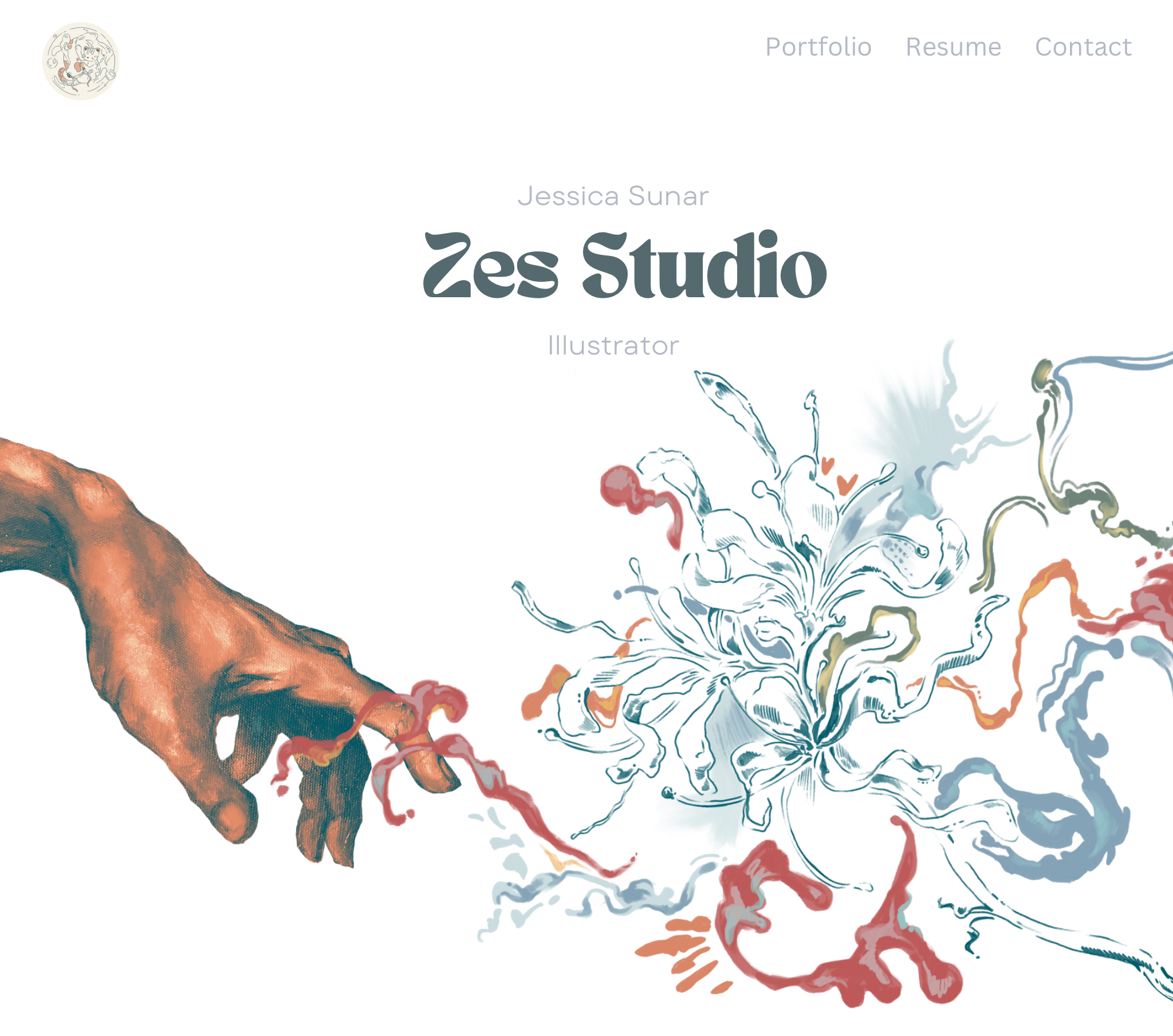
As I mentioned, I used Canva to create this website. A good thing about Canva is you get a free domain for a few tries and get templates to work from. But knowing how much I love to make things more complicated for myself, I decided to try to build it all from scratch. Word of advice: please watch YouTube videos beforehand.
How to create a website
Well, plenty of videos online can explain this process way better than I can. I added text and images and inserted more pages as I proceeded. Each for different purposes. I did, however, have a difficult time with the mobile format for the website, and as of now, it only looks good when viewed through a computer or IPad.
I created a home page and a short portfolio below, showcasing several selected works. I plan to add a “see more” button on the end, which can take the viewers to another website dedicated to many more of my artworks. The downside of using Canva is that you scroll through the pages instead of just being taken to each page separately through buttons. Therefore, creating another page for the portfolio would prevent viewers from scrolling through 30+ artworks to get to the contact page
I mainly have this website as a home page where potential clients can view my work and resume, with a page showing where they can contact me. I have inserted my social media on this contact page as well.
The website is still a work in progress, especially now, as I plan to change the site’s overall theme. Yes, I am about to do everything all over again. I’m not that happy, but I thought it would be visually appealing if my business card and website had similar aesthetics.
For my Intro to Graphic Design class, we did a project where we had to design our business cards, which was perfect since my cards needed an update. I was also no longer using my old website, so a lot of information needed to be updated.
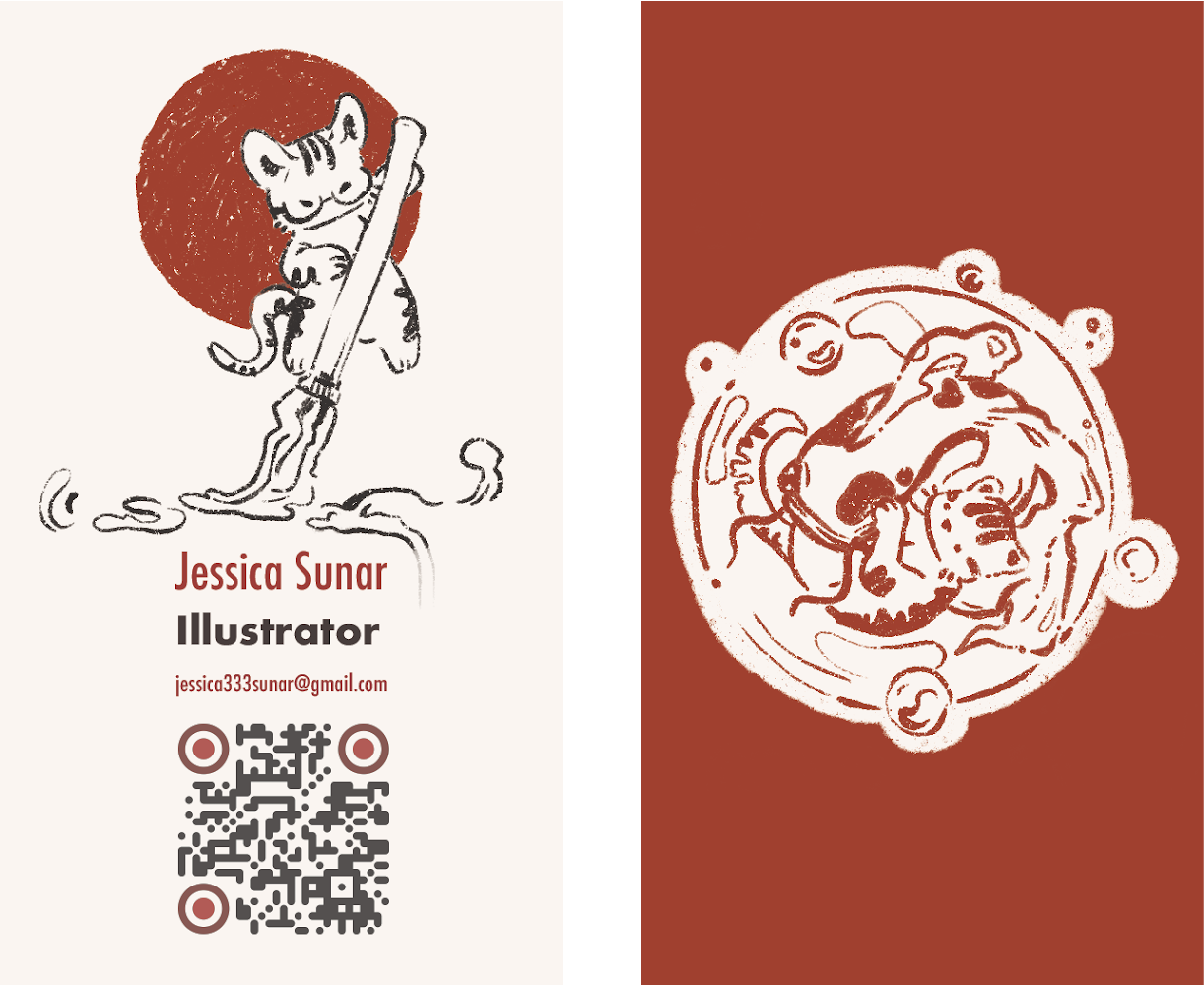
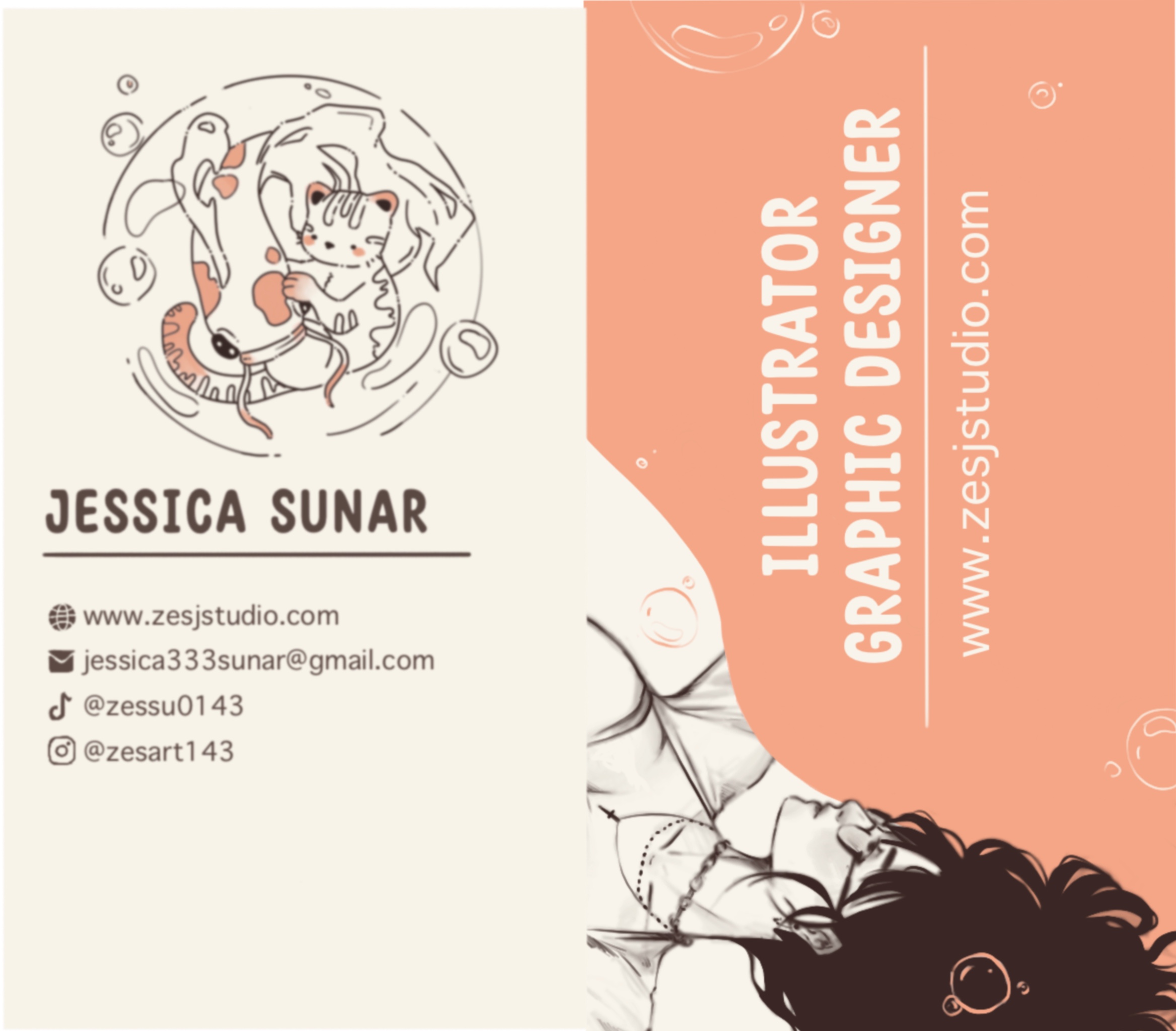
I was pleased with my choice of color pallet with the new one since it is bold and captures my work’s theme and artistic elements. Aside from the obvious cats, there are flowy patterns that I often include in my works.
I removed most of the information and replaced it with a QR code that will easily take people to my website, where they can find more about me and my social media. I do have to update the QR code since I found out after my presentation that the website I made it from requires paid update to keep using it, so I might be using Canva again even for the QR code.I strongly encourage you to create a portfolio website if you haven’t already. Aside from professionally presenting your work to potential clients and employers, you will have a main page that can take people who love your work to all your other platforms.
Thank you for reading!
/ᐠ ̥ ̮ ̥ ᐟ\ฅ