Hey, everyone! I hope you all had a great fall break. I definitely needed it, lol! This week, I have some progress to show you guys on my Red Robin menu project. I haven’t printed it out yet, so I can only share the digital spreads for now.
For my menu design, I really wanted to continue the fun and playful vibe is reflected on my logo and business collateral. It was a bit of a monster to set up and get started with the sheer amount of dishes and information that is on the Red Robin menu, but once I figured out one page, the rest were easier. I am planning on my menu to have eight pages, which means I needed to set up four spreads on InDesign. Now, InDesign is not my favorite program, but it definitely made tackling this project a bit easier to manage.
When you set up a multi-page document, you have to mix up the page numbers so that the spread will work properly when you put the physical together. That means that spread #1 is comprised of pages 1 and 8, spread #2 is pages 7 and 2, spread #3 is pages 3 and 6, and spread #4 is pages 4 and 5. I know that’s a little confusing to understand, but hopefully you’ll seee what I mean.
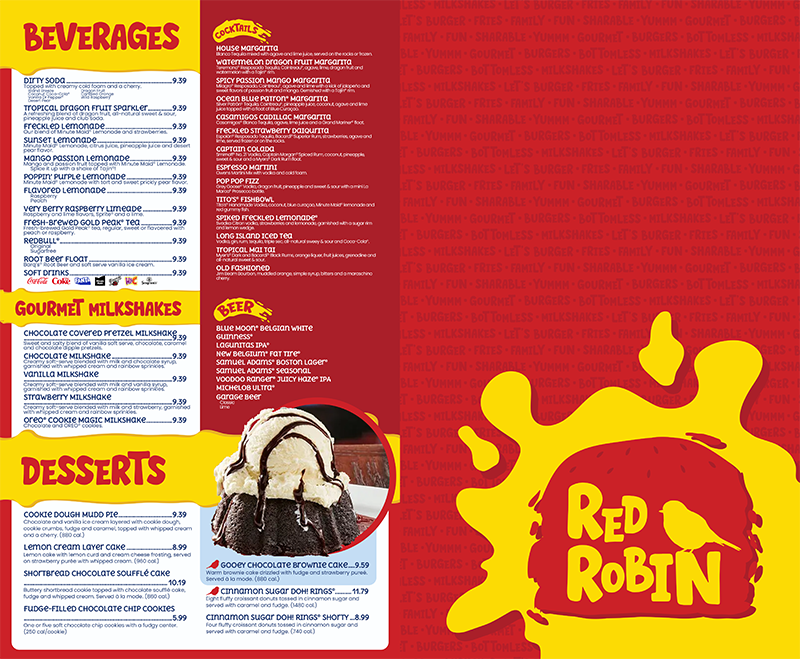

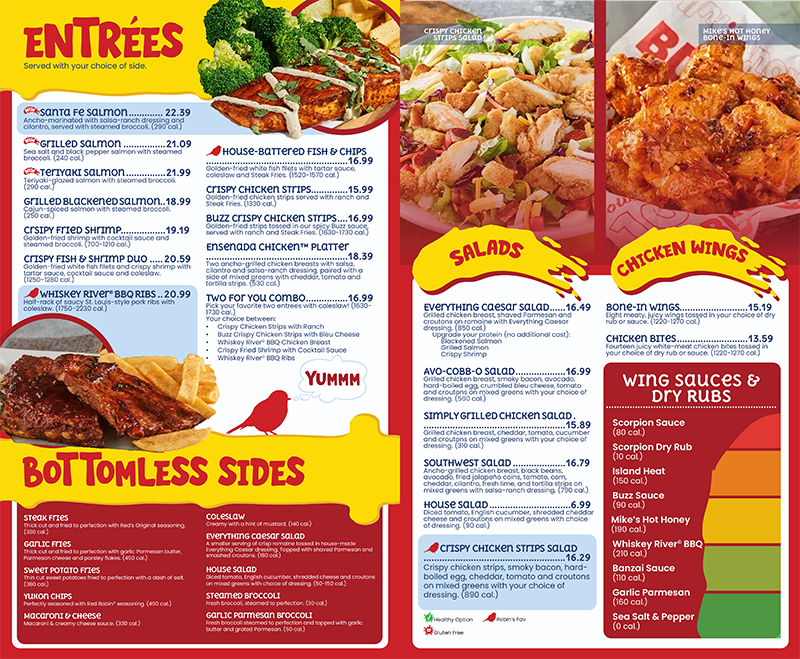
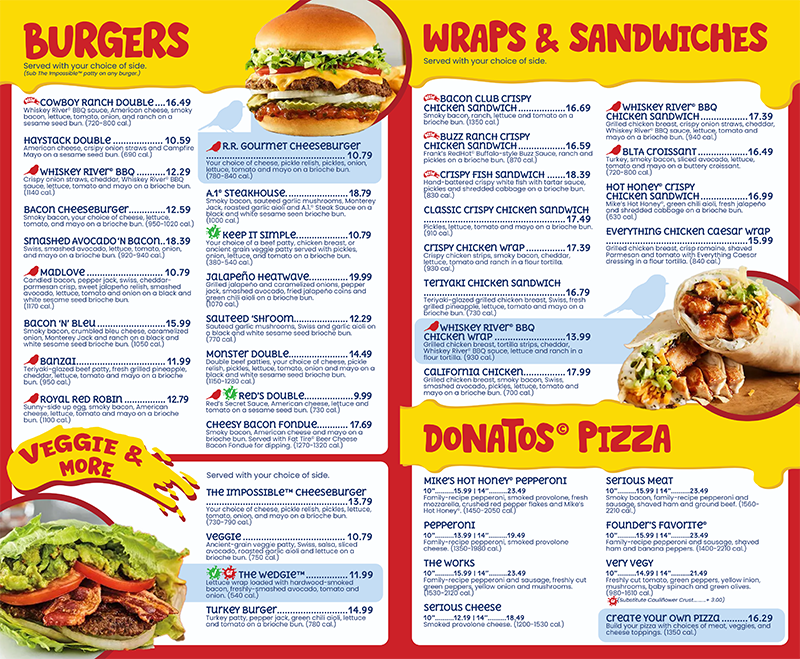
For this project, I also had to design a takeout and kids’ menu. The takeout menu has been finished, so I can share that. However, I am still working on the kids’ menu and it is definitely not ready yet. The takeout menu was a lot easier to get done because I already had all the information on the main menu; I just needed to reorganize it to fit a smaller format. I decided to make my takeout menu an 11×17 trifold brochure because I figured that that would be plenty of space to fit all the info.

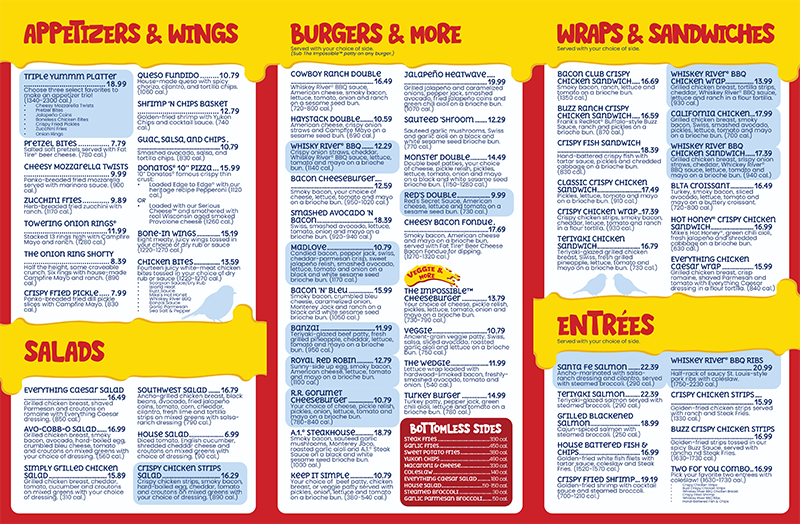
As you can see, the takeout menu is much simpler than the main menu, which is because I think the dishes and descriptions are more important on a takeout menu than images. If you’re sitting down in a restaurant, you need some photos in the menu for interest and impact. Chances are if you’re ordering takeout from Red Robin, you’ve been there before and know what to expect from their food.
Overall, I did have a good time figuring out the layouts of my menus and creating a system of hierarchy/organization that would be the most effective. It was a little hard to start, but once I got it figured out, it was just a matter of getting it done. Maybe next time I’ll have some physical product photos to share with you guys on my next post.
Thank you all for reading! Please feel free to leave a comment on what you think of the menus or design. I would love to hear what you have to say!
– Cecelia 🙂